Android setup · Step 3 of 3
Key Panel
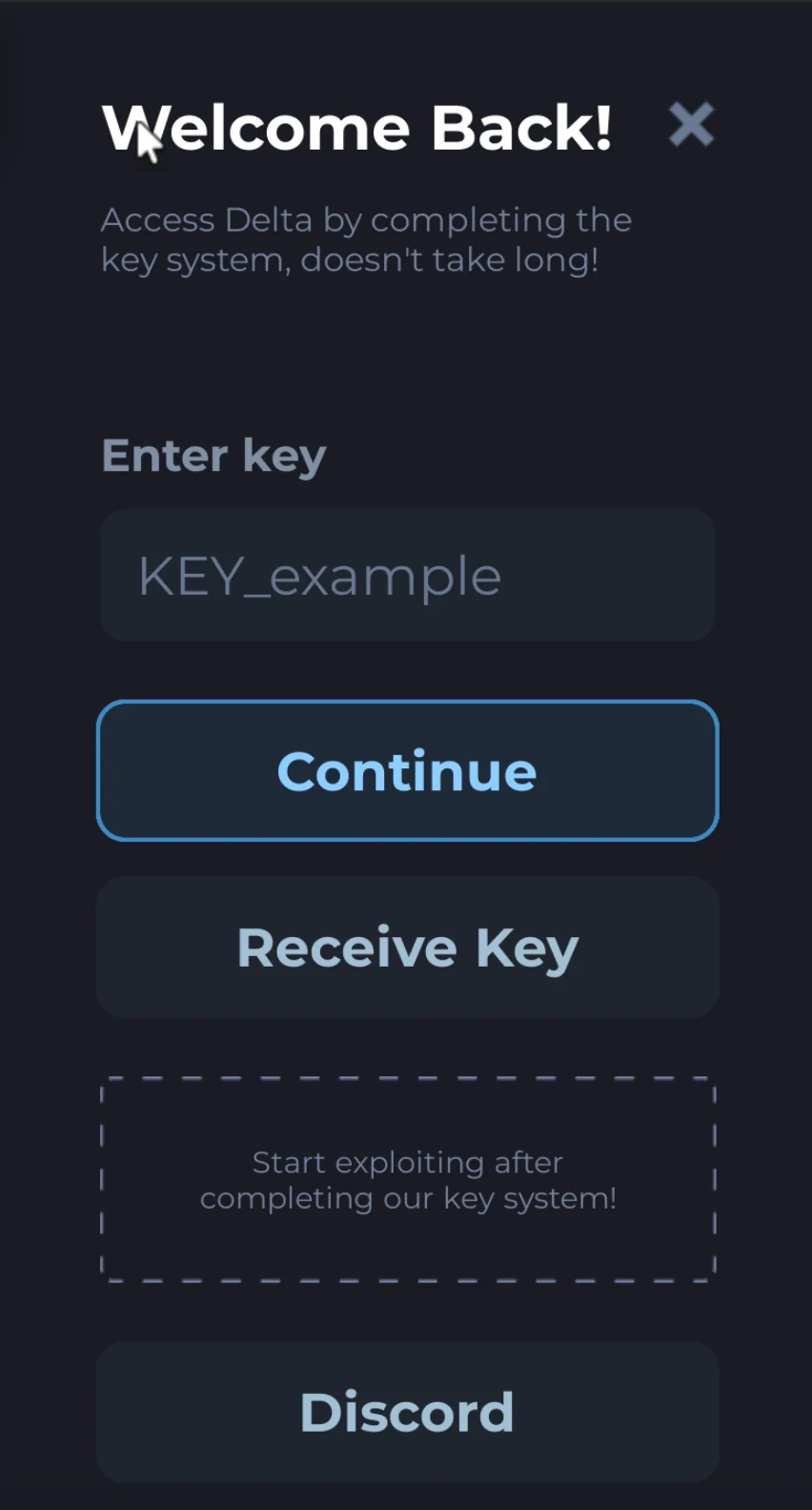
Once you join a game, a panel will automatically open on the right side of your screen asking you to retrieve a key. This key is required to unlock script execution.
- Receive Key
- Click on “Receive Key”. You will be redirected to a website. Wait 5 seconds, then press the Continue button. After that, copy the link that appears in your browser’s address bar. and come back here to click the button below and paste the link from the button below into the website, you will then receive a new link open that one. Wait another 5 seconds, then click the single button on the page to finish. You will then receive your key.
- Enter key
- Return to Roblox, paste the key into the panel, and confirm.
- Key expiration
- Keep in mind that the key only lasts 24 hours, so you will need to repeat this process (which takes about one minute) every day to keep access to the scripts.
This scenario is fictional and is presented as a theoretical example.